What would thatlook like on me?
Add one photo, then see how clothes, shoes, glasses and anything else you wear actually look on you before you buy. Right on the store’s own page.
3 free try-ons, no card needed. The first 100 users get 5 extra every month on any paid plan. 98 places left.
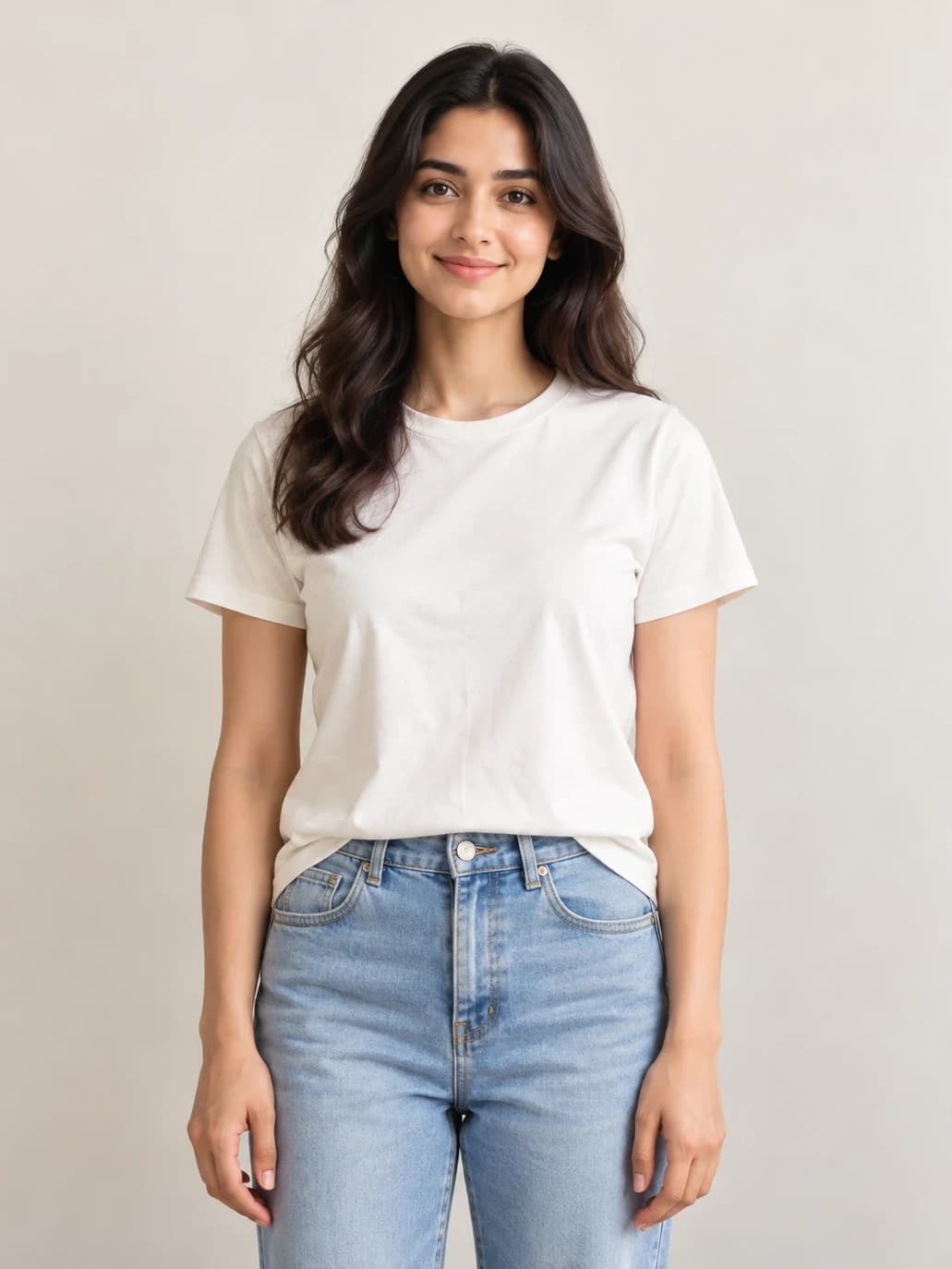
 ✨ On Me
- 20 minutes scrolling photos of a model who is not you
- 1 order placed, fingers crossed
- 1 parcel you have to be home for
- 1 evening trying it on, finally
- 1 trip to send it back
- 1 refund to wait for
all that, just to see how it looks on you
Or you could just look
This is Myntra’s own page. The button is ours.
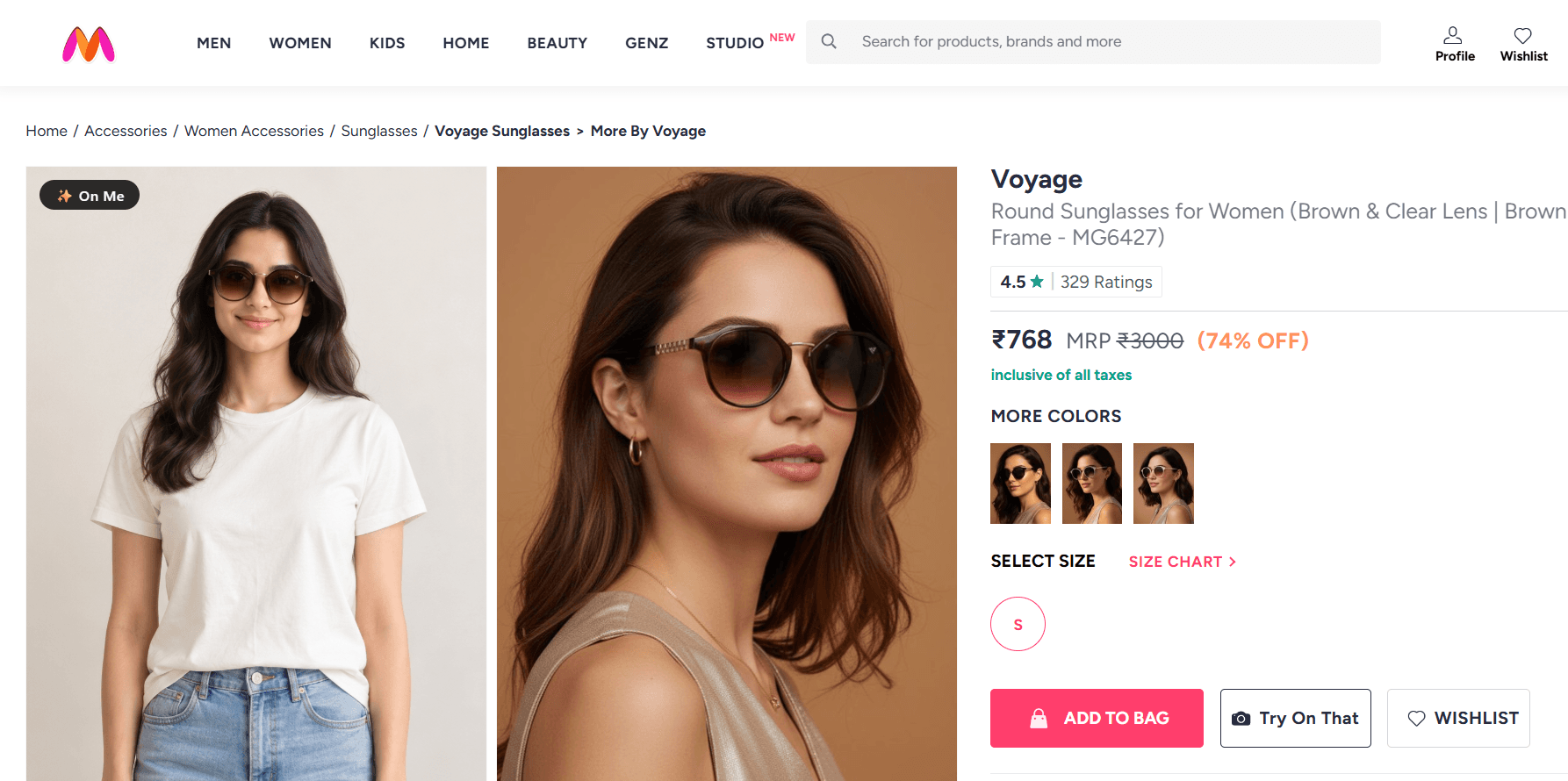
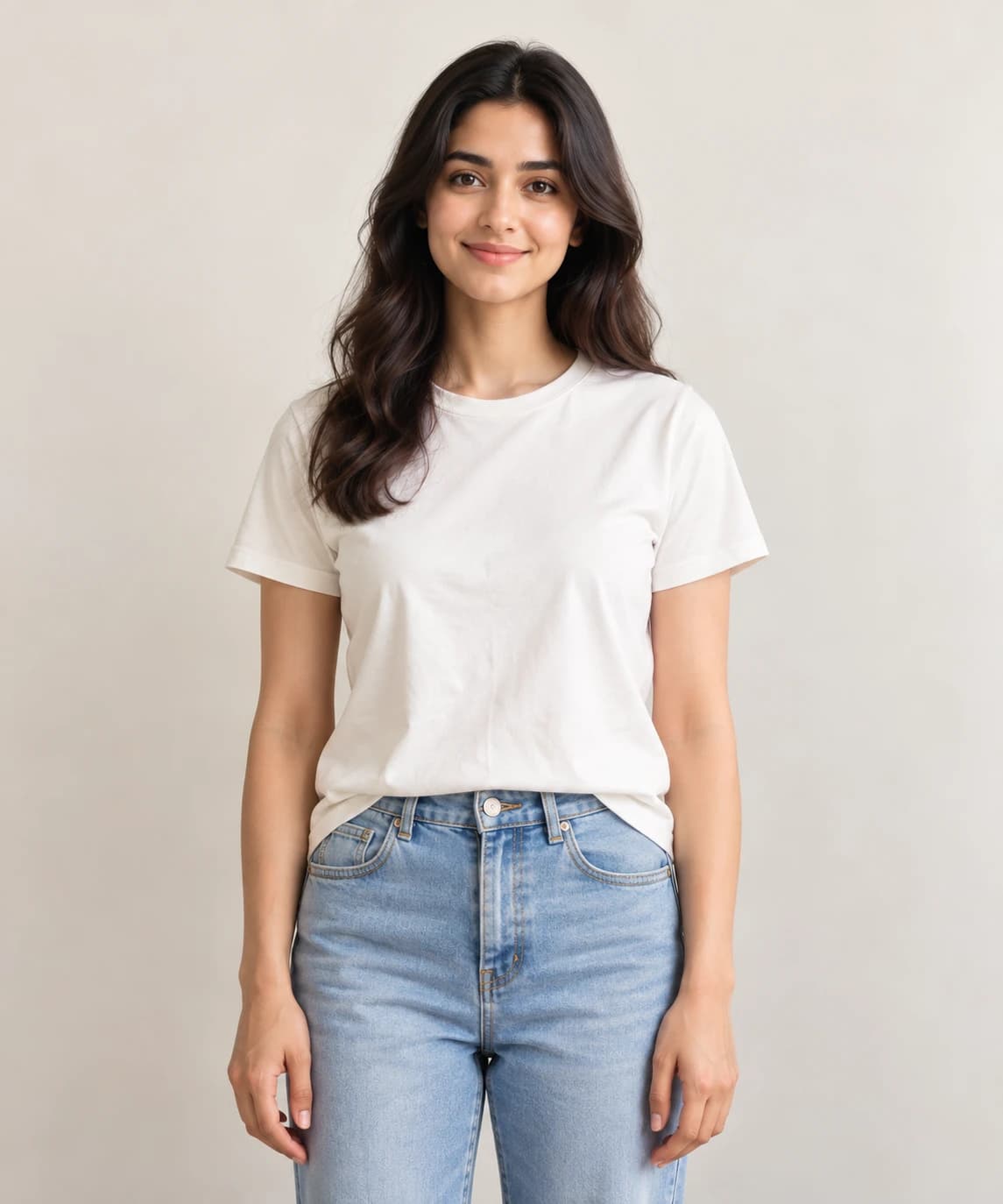
This is all she uploaded. One photo, once. After that, it is just a button on the page she was already on.
And on the rest of what you wear
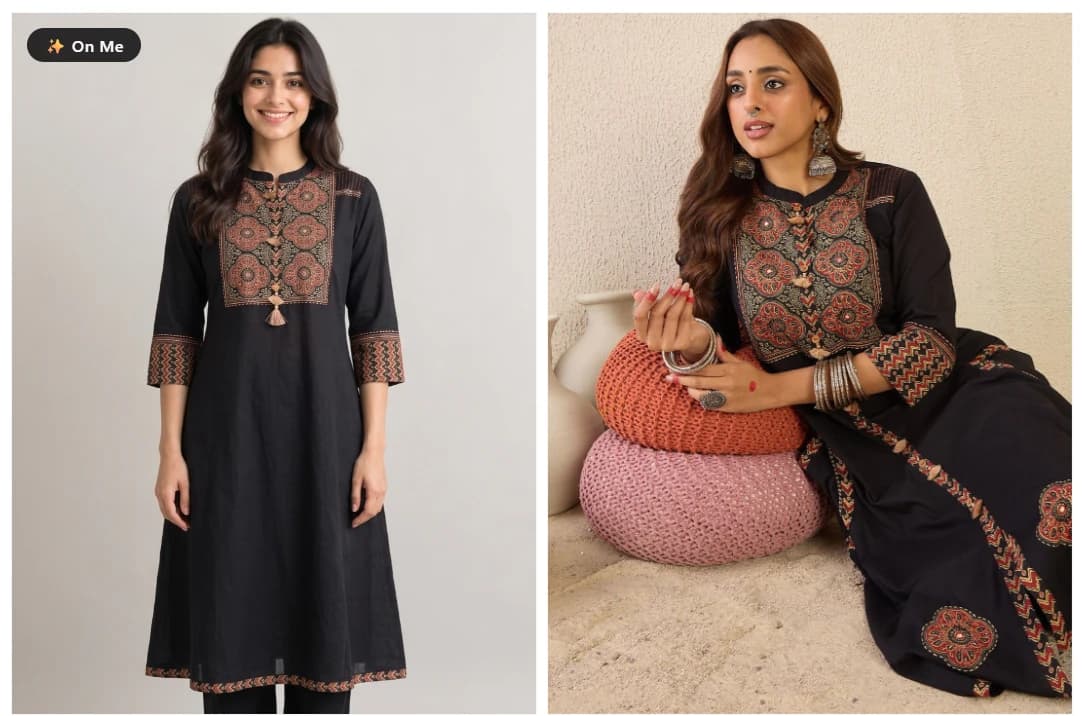
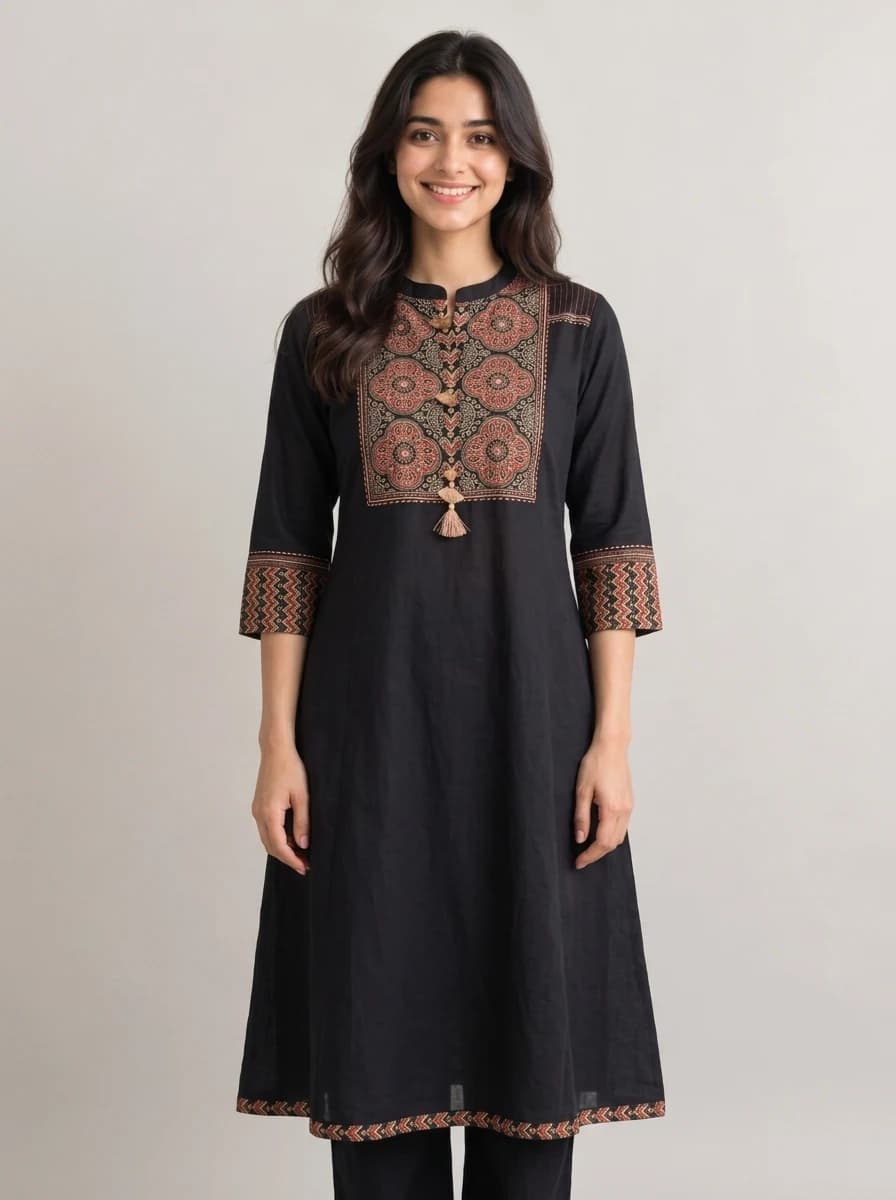
A kurta, on her
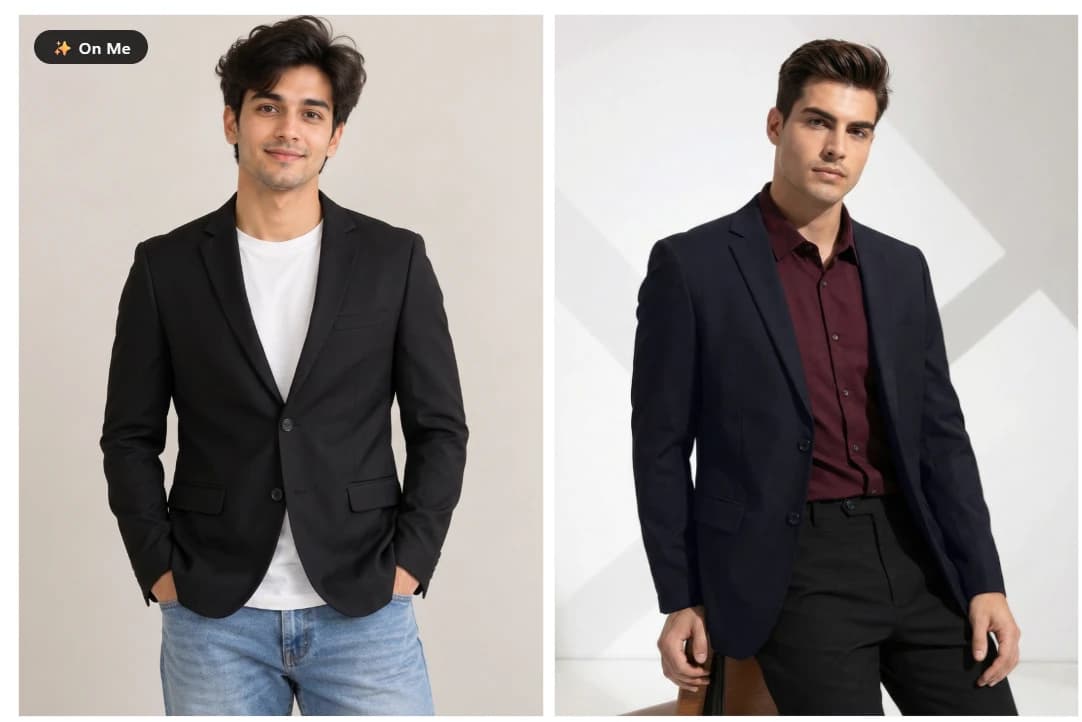
A blazer, over what he already had on
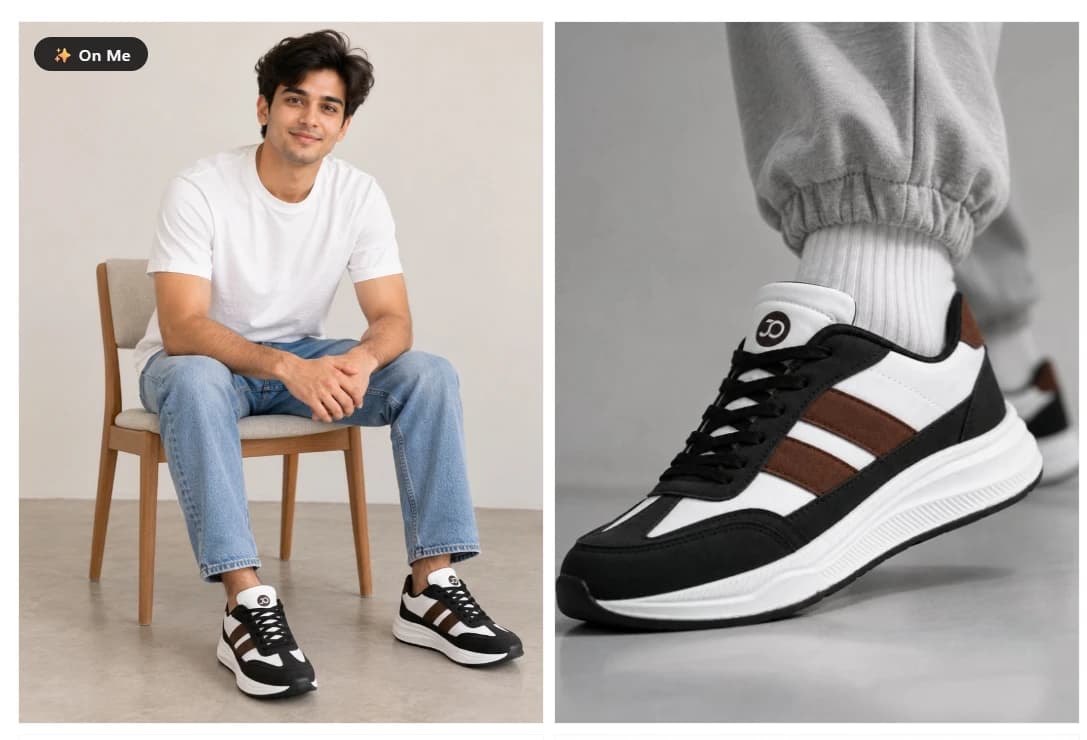
Trainers, on his feet
It works where you already shop
 Myntra
 Amazon
 Flipkart
 Ajio
Ajio H&M
H&M- more coming soon
Open any product page on these stores and the button is already there, right beside Add to Cart. Nothing to set up, and no links to paste.
Shop somewhere else? Tell us where and we will look at adding it.
3 free try-ons. Then pick a plan.
No card needed. Use your free try-ons whenever you like, and nothing renews unless you pick a plan.
Trial
Free
3 try-ons, once
No card needed
- Every supported store
- Your photo stays private
- Delete it whenever you want
Starter
$9.99 a month
25 try-ons a month
For the occasional basket
- Everything in the trial
- Unused try-ons do not carry over
- Cancel any time
Available at launchPro
$14.99 a month
70 try-ons a month
Works out cheaper per try-on
- Everything in Starter
- Enough for a whole wardrobe rethink
- Cancel any time
Available at launch
First 100 users: +5 try-ons every month on a paid plan.
Frequently asked questions
Something not covered here? Send us an email.
What can I try on?
Clothes, shoes, caps, glasses, watches, bags: anything you wear. If you would put it on, you can try it on.
How many free try-ons do I get?
You get 3 free try-ons, one time only. No card needed and nothing to cancel. Once they are used up, paid plans start at $9.99 a month.
Do I need a new photo for every product?
No. You add your photo once, and every try-on after that reuses it. You can replace it whenever you like, and changing your photo does not use a try-on.
How accurate is it?
It is a good impression, not a measurement. Colour, drape, and fit can sometimes be off, so check the store's own sizing before you buy. It answers “would I wear that?”, not “what size am I?”
Does it work on my phone?
Not yet. It is a Chrome extension, and Chrome on Android and iOS does not support extensions. For now, it works on a desktop or laptop.
Why is it not on the Chrome Web Store yet?
It is in review. Extensions that handle personal photos get a closer look, which can take a few weeks. Founding places go to the first accounts created, so install it the day it goes live to get one.
Do the stores know I am using it?
No. It runs in your browser and sends them nothing. We are not affiliated with any of them, they do not see your photo, and nothing about your try-ons reaches them.
Where does my photo actually go?
Your photo goes to Google's Gemini API to generate the image and is stored privately on Cloudflare. Nothing is publicly readable. The links your browser loads are signed and expire, so even a copied link stops working.
Do you train AI on my photos?
No. We do not train any model on your photos, and we do not have a model of our own to train. Your photo is sent to Google to generate your image, and that is all it is used for.
Can I delete my photo?
Yes, any time. You can also replace it whenever you like, and neither action costs a try-on. If you delete your account, your uploaded photos and every image generated from them are removed from storage. The privacy policy explains what is kept and for how long.
Does a failed generation use a try-on?
No. If something goes wrong and you get no image, nothing is deducted. If the image comes out fine but you do not like it, that one does count, because making another costs us the same. Looking back at past try-ons is always free.
Can I cancel any time?
Yes. You keep access until the end of the period you already paid for, with no partial refunds for unused time. Founding bonus try-ons stop when the subscription does. Payments are handled by Lemon Squeezy as the merchant of record.
See it on you, before you buy.
Stop guessing from a model’s photo. Try it on yourself, right on the store’s own page.
3 free try-ons, no card needed. 98 founding places left.